How to change region in Valorant: guide
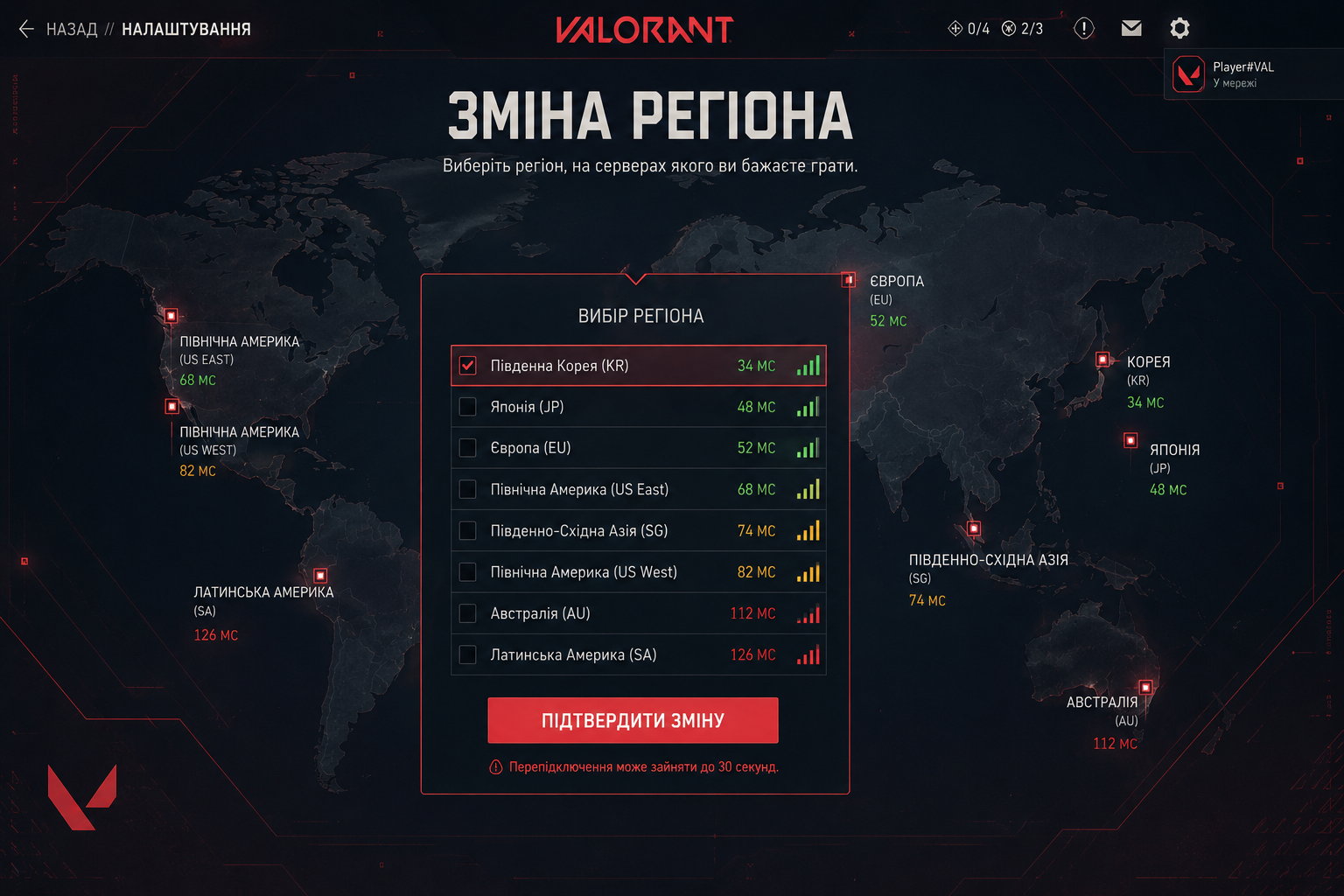
Sometimes Valorant players need to change their region to play with friends, get more in game currency, and have lower prices in the store. Riot Games explains that the residence region determines servers, payment methods, and some account settings, so you cannot simply switch it in the game. It is important to understand the difference between the residence region and the shard. The residence region - is the country where you are actually located, while the shard is responsible for the servers and who you play with. Riot also emphasizes that these parameters can only be changed according to your real location, so attempts to bypass the system through VPN may lead to problems.
To change the region, you need to log into your Riot account and open the support page dedicated to changing the residence region. If the automatic verification does not work, you will have to create a request manually. Usually you need to provide your username, Riot ID and tagline, email address, current region, and the one you want to switch to.
Before changing, it is worth considering the consequences. In most cases skins, characters, equipment, account level, MMR, and part of the progress are transferred. At the same time, the current ranked season, match history, purchases, and Night Market offers are not preserved. Also, after the change, a 90 day restriction applies, so you will not be able to switch everything back immediately. It is better to buy a Valorant account on the needed server than suffer like this.
There are also exceptions. For example, you cannot move to the Chinese region, and for some countries such as South Korea or Vietnam, additional requirements apply. Therefore, it is best to use only Riot official support and not turn to third party services. It is safer and will help avoid problems with account access.