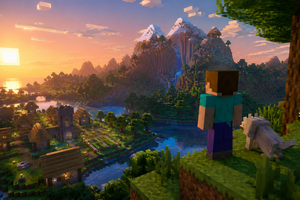
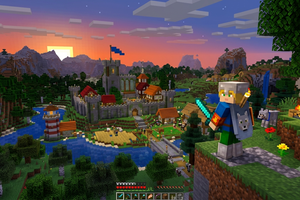
In Minecraft, creative mode opens up many possibilities for players: you can fly, build without restrictions, and use any blocks and items. If you do not know how to enable creative in your world, this guide will help you do it in just a few minutes.
First, launch the game and go to the «Singleplayer» menu. Next, click «Create New World». While creating the world, enable the «Allow Cheats» option, otherwise commands will not work.
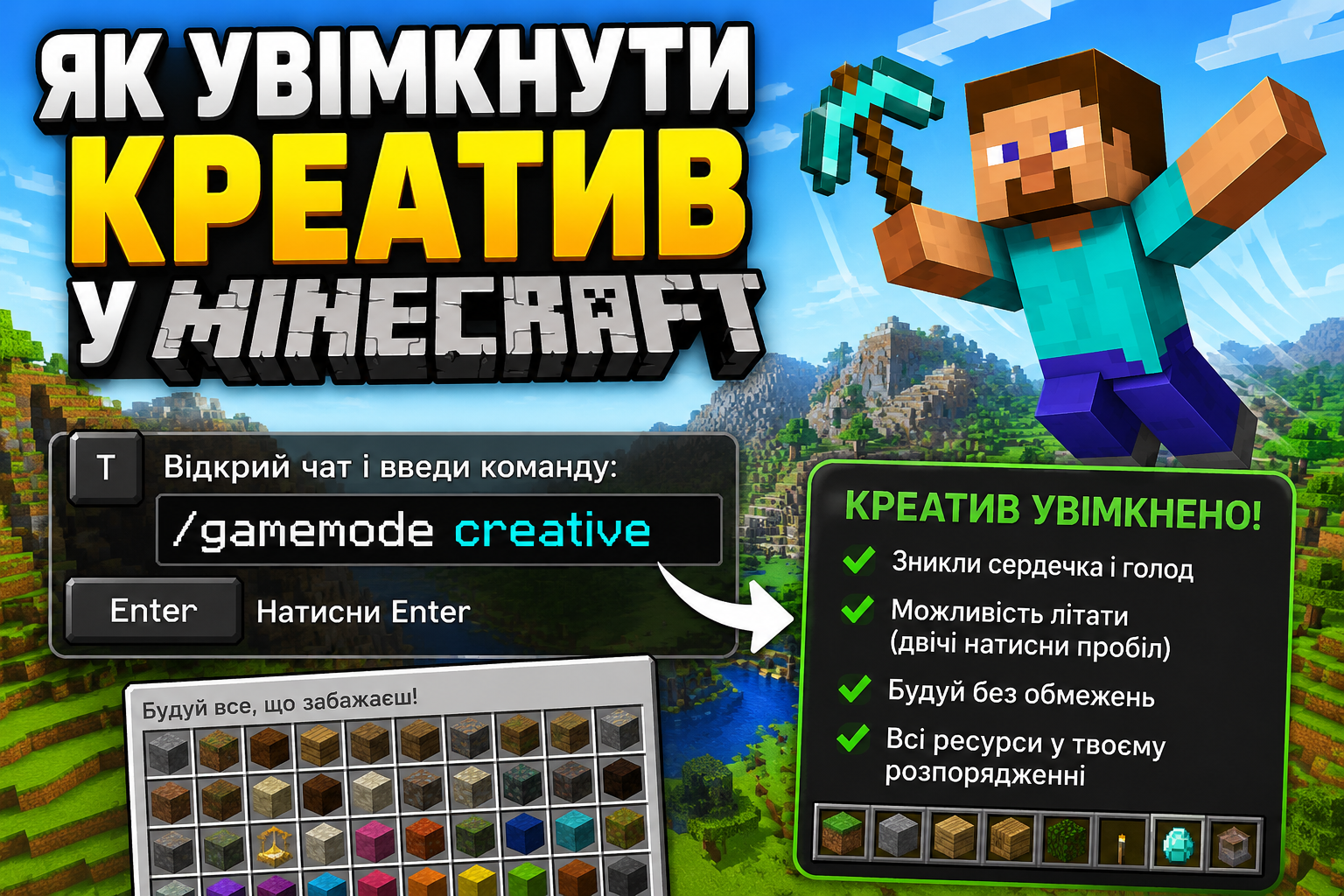
After creating the world, press the T key to open chat and enter the command:
/gamemode creative
Press Enter. If everything is done correctly, the game mode will change to creative. You will see that the hearts and hunger bar disappear, and the ability to fly will appear (double tap space). Sometimes you may want to have a JAVA + BEDROCK license, then you can buy a Minecraft account with a license and play without obstacles. Creative mode is perfect for building, testing mechanisms, and freely exploring the world without restrictions. You get all resources and complete freedom of action.
As you can see, enabling creative in Minecraft is very simple. The main thing is not to forget to activate cheats when creating the world.