How to create your own server in Aternos for free in 2026
Go to the website Aternos. Here you can create your own server absolutely for free and use it at any time. Here is a short guide:
- Click the «Play» button.
- You have the servers section.
- Now click the «Create» button, then you need to enter the name of the new server.
- When the name is entered, click «Create server», after that the server starts creating automatically.
- Done. The server is created. Here you may be offered to make a backup of the server on Google Drive so that it can be restored in case of problems. And yes, the server is already ready, but it is still too early to start it. First, everything needs to be configured correctly.
Server setup
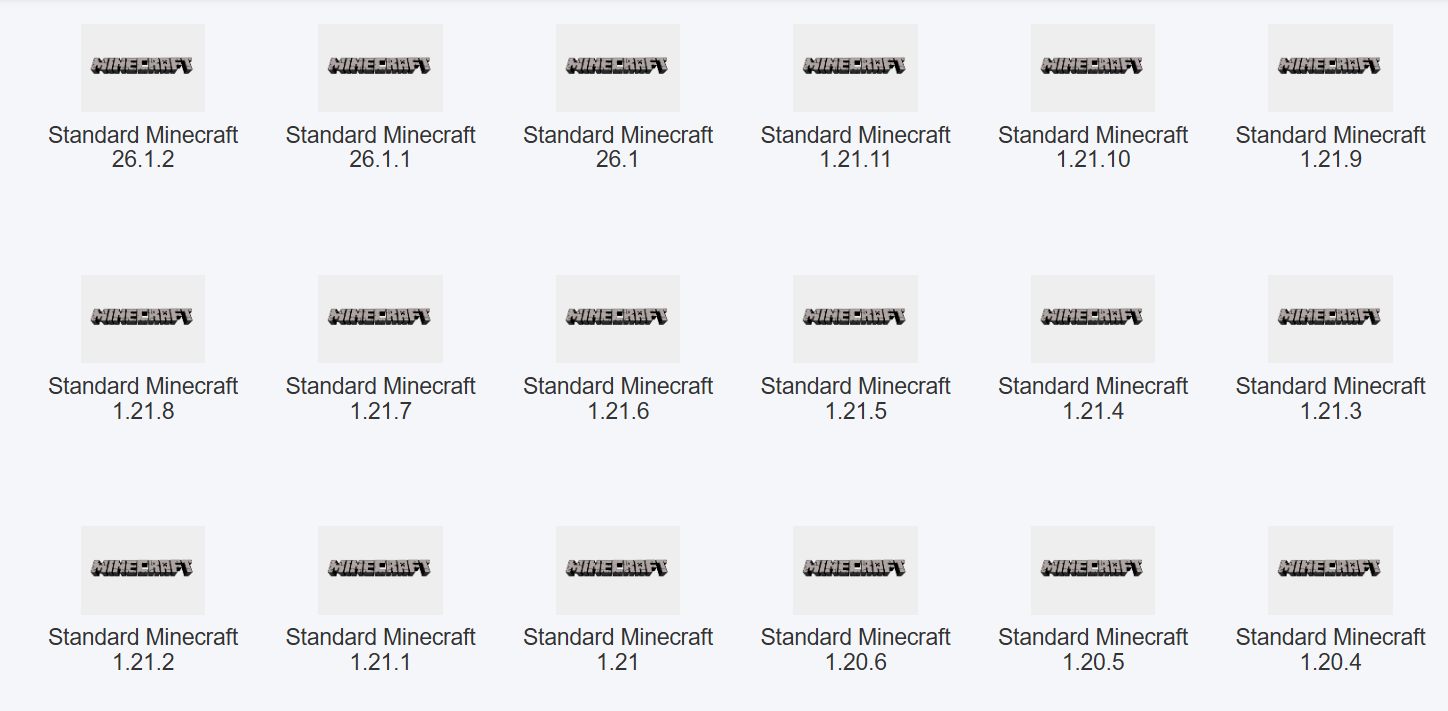
We have the server address and the core. For example, Vanilla is currently installed. This is the standard core, where you can simply survive in Minecraft. The game version is also important, for example, Minecraft 1.21.10, while the server may be on 1.21.11. This is important because if the versions are different, you simply will not be able to join the server (Do not change the version), click on it, choose the desired one, and click «Reinstall». After that, a checkmark appears showing that everything has been installed successfully.
Server properties setup
Now we move to the server properties settings. There is a very important parameter here: online mode.
If you play from a cracked launcher, you need to turn off online mode. It was true, and you need to make it false, which will allow you to join the server without a licensed account or buy a licensed Minecraft account. You can also change modes, for example set creative mode so it is easier for you to test and build. You can also configure the number of players here. For example, you can set 15 players or any other value depending on your needs, and that completes the basic setup. Now the server can be started.
Starting the server
Click the server start button, then accept the license agreement and wait in the queue. Sometimes it takes a little time, sometimes faster - that is normal because servers start one by one. After the launch, you will have about a few minutes to join the server, then copy the server IP address and go to Minecraft.
Connecting to the server in Minecraft
- Open Minecraft, go to «Online game», and click «Add server».
- Paste the IP address we copied and save it.
- After that, our server will appear in the list, for example, an Aternos server with a port.
- Click «Join server» and wait for the connection.
- If everything is done correctly, you will end up in your world, the server is working, and you can play.
Now you know how to create your own free server in Aternos in 2026. If something did not work, just check the settings or repeat the steps again. If you have questions, you can write them in the comments. we will help.